
A fast, simple till
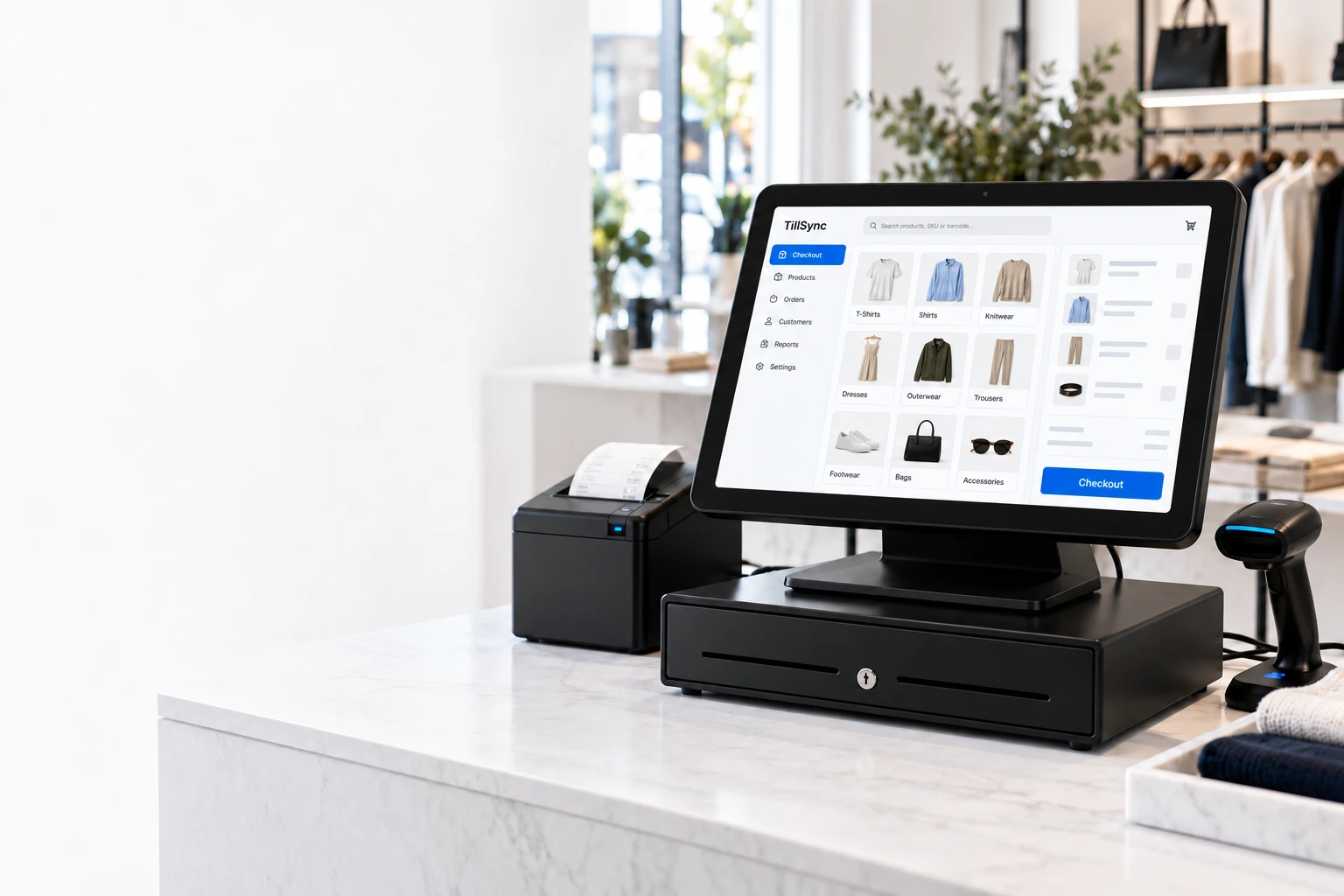
Scan or tap, take cash or record the card terminal, split payments, park a sale and pick it up later. Receipts print by themselves and the drawer opens for cash.
Point of sale for South African retail
Sell, print VAT tax invoices, cash up and track stock across every branch. Built in South Africa, priced in rand, and ready for load-shedding.
At the counter
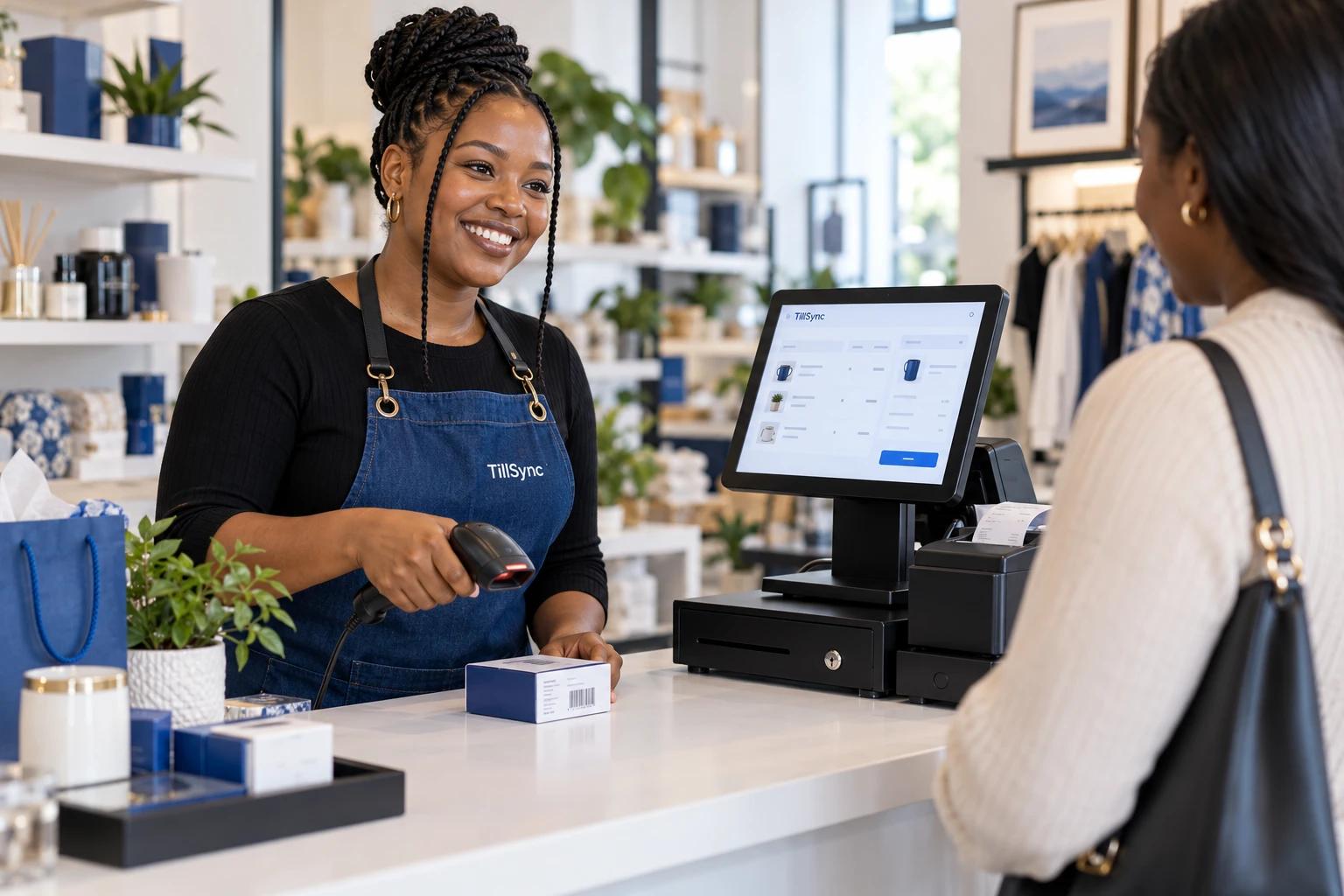
Scan a barcode or tap a product, take cash or record the card machine, and the receipt prints while the drawer opens. Refunds and big discounts wait for a manager's PIN.
From the first sale of the day to the last cash-up, in one system.
Scan or tap, take cash or record the card terminal, split payments, park a sale and pick it up later. Receipts print by themselves and the drawer opens for cash.
When the fibre drops or the router loses power, the till carries on. Sales are saved on the device and upload by themselves when you're back.
Every sale, refund, delivery, transfer and stocktake moves stock with a record. Reorder levels, purchase orders, supplier deliveries and returns included.
Float, cash sales, change, refunds, paid-ins, paid-outs and drops add up to what should be in the drawer. Count by note and coin; a manager signs off any difference.
Roles for owners, managers, cashiers and stock staff. Discount limits per role, and a manager's PIN for refunds, big discounts and opening the drawer, all on record.
Sales by day, branch, product and cashier, gross margin, VAT and stock value. Export to CSV for your accountant.
Back office
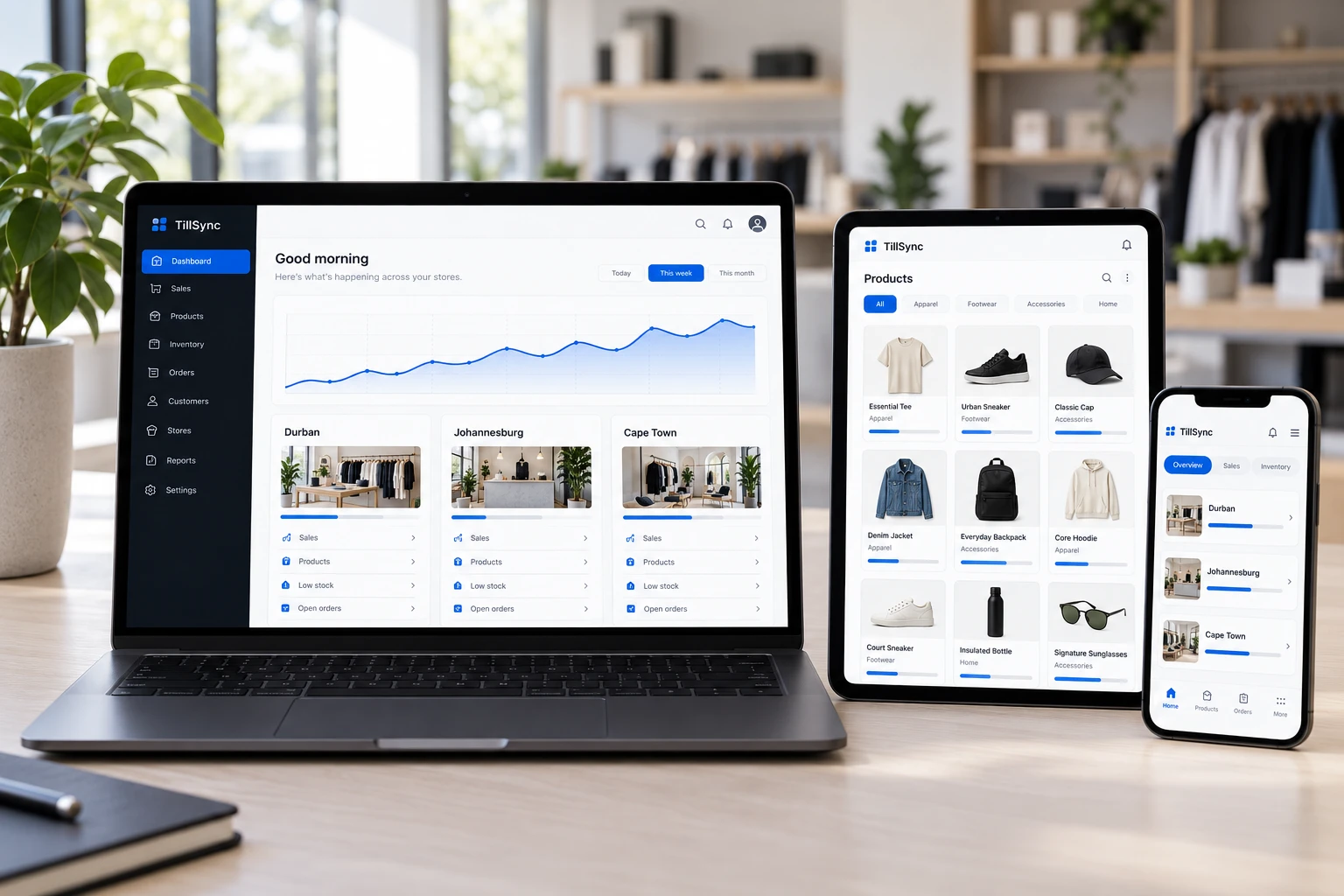
Check today's sales, low stock and cash-ups for every branch from your laptop, tablet or phone. Change a price once and every till has it.
Load-shedding ready
Prepare a till once while you're online. If the connection goes, it opens the offline till from the device itself and keeps selling, printing and opening the drawer.
You choose the rules: how long a till may sell offline, the largest sale, and whether card-terminal payments are allowed. Nothing is ever charged or counted twice.
TillSync runs in the browser. Pick the set-up that suits each counter.
With the TillSync Connector: USB and network receipt printers, cash drawers, and any printer with a Windows driver.
Prints straight to supported Epson and Star network receipt printers. No software to install.
Sunmi and iMin tills with a built-in printer and drawer, through the TillSync app.
USB and Bluetooth scanners, and the built-in scanners on Android tills, scan straight into the sale.
We only call a device tested once it has passed on a real till. Ask us about yours before you buy.
Per till, per month, excluding VAT. No hardware lock-in.
Ask for a quote
Ask for a quote
Let's talk
Tell us about your shop and we'll set up a demo with your products, your receipt and your hardware in mind.
If the till has power but no internet, it keeps selling offline and uploads when the connection is back. Tablets and Android tills run on battery, so a small UPS for the router and printer covers most shops.
Keep your current card machine. The cashier records the card payment on the till with the terminal reference, so cash-up and reports include it. Direct card machine connections are on our roadmap.
TillSync is built for Epson and Star receipt printers, receipt printers connected to a Windows PC, Sunmi and iMin Android tills, and USB or Bluetooth scanners. Tell us your models and we'll confirm before you buy anything new.
Yes. Import products, prices and barcodes from a spreadsheet, check the preview, then load them. We can help with the first import.
Each business's data is kept apart from every other business, and staff only see the branches and figures their role allows. You can export your data at any time, and ask us what personal information we hold about you.